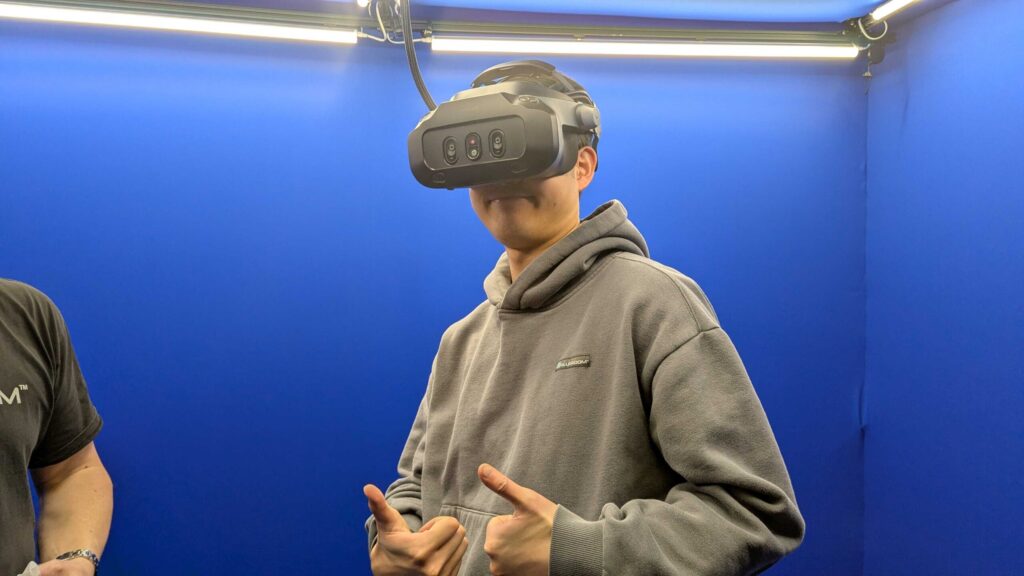
1. Wipe the headset cushion and lens with a lens wipe.
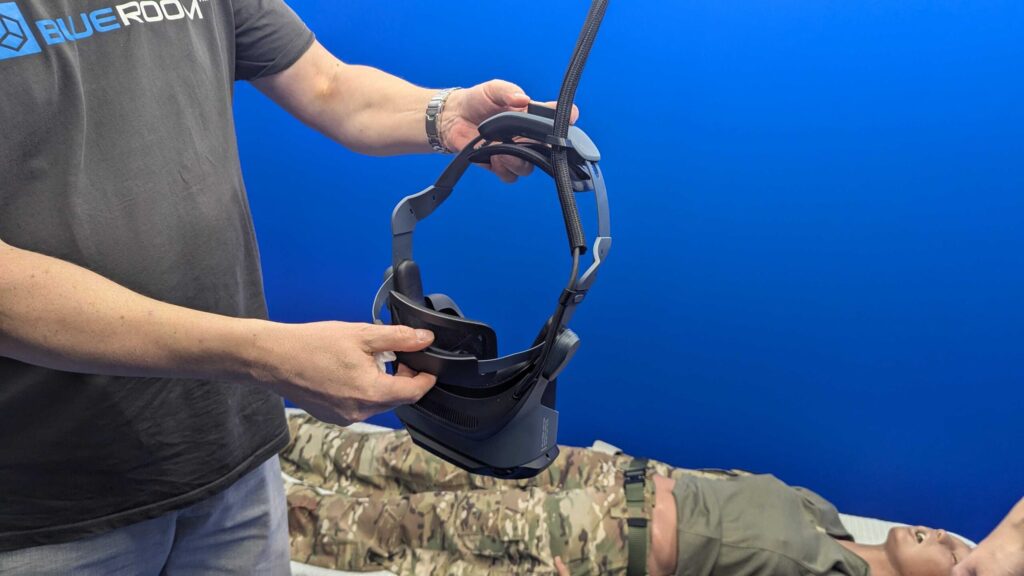
2. Test the headset and make sure everything is working properly and that you are inside the environment and any peripherals (eg gun) are working. Do NOT put the headset on a learner before the environment has loaded and you have ensured that everything is working properly.
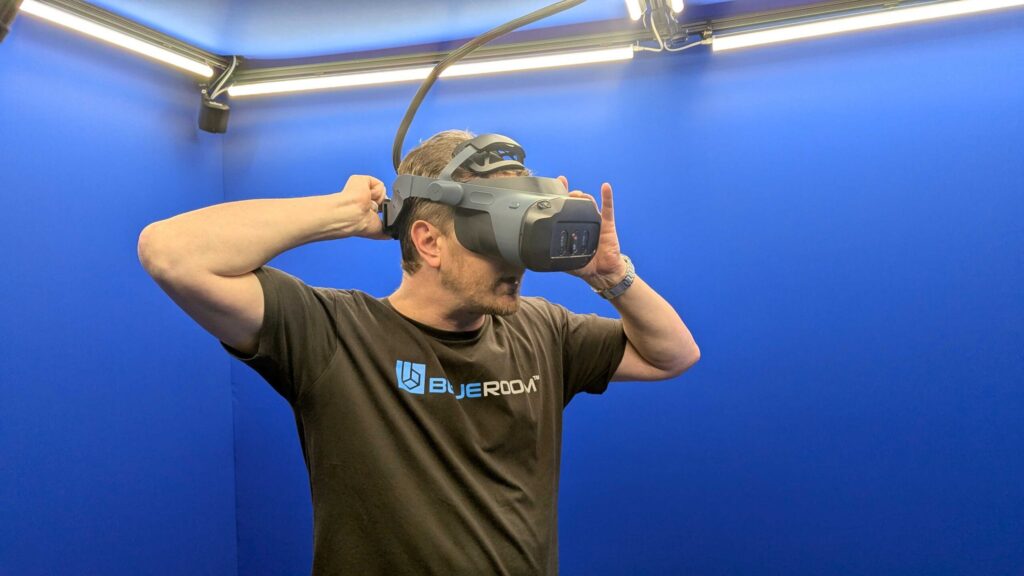
3. Wipe the headset cushion and lens with a lens wipe again after you have tested.
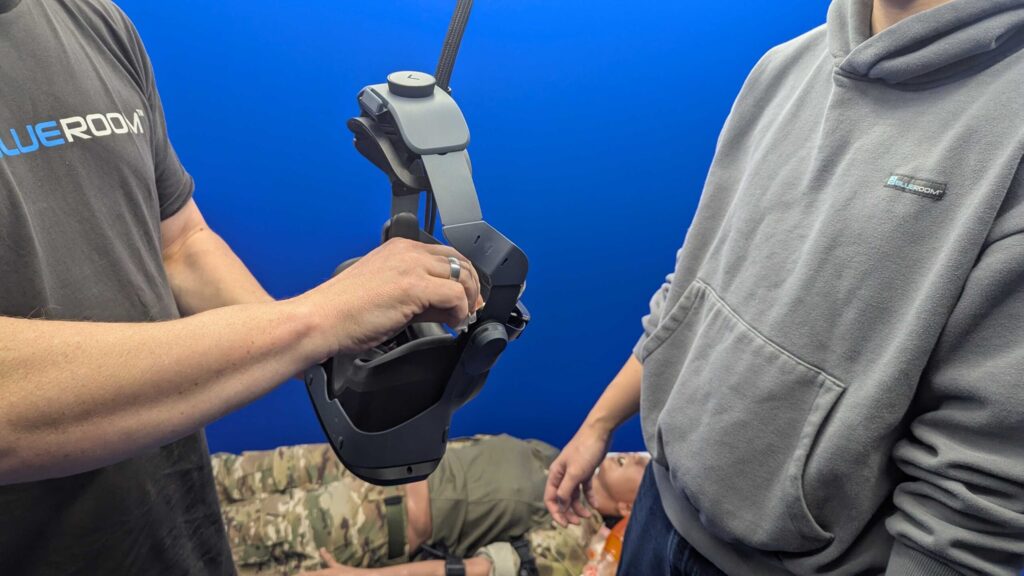
4. Unscrew the top and back dials of the headset so it fits easily on top of the learner’s head.
5. Ask the learner to hold the headset to their face so that they are comfortable and in focus.
If the learner has glasses, ensure they put the headset on front first.
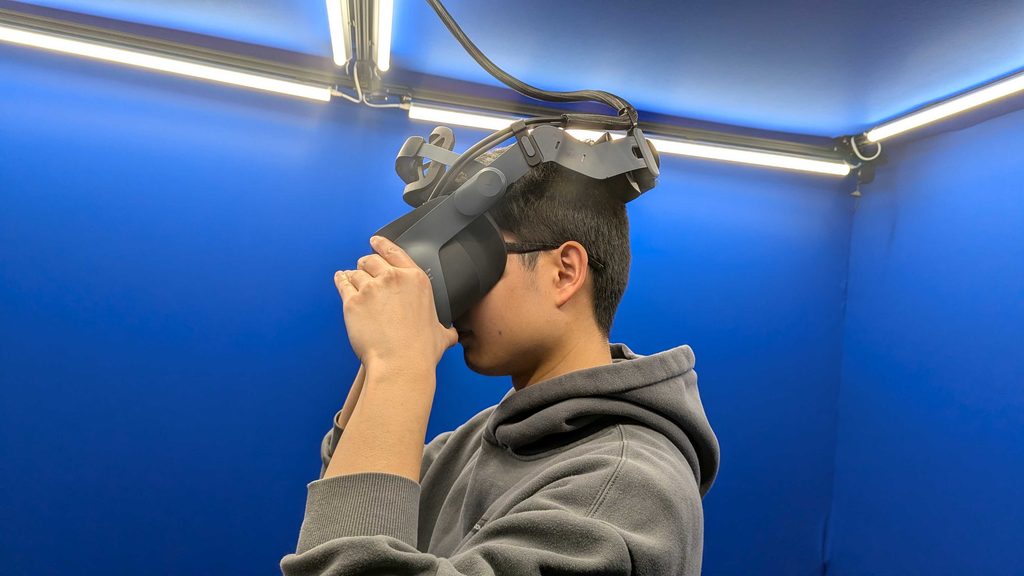
6. Once the learner has confirmed they are comfortable and everything is in focus, tighten the back and top headset dials so the headset remains where they are holding it.
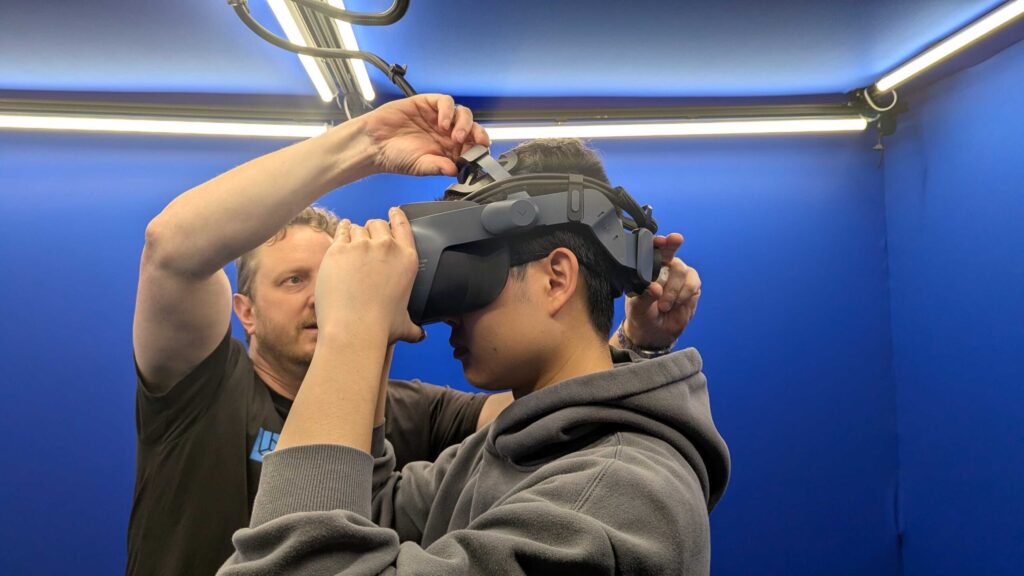
7. Confirm that the learner is comfortable and ready to go.